Sign up for PayPal and start accepting credit card payments instantly.
Showing posts with label LED. Show all posts

Monday

1080i, 1080p ,720p

So, what you think above title ,some little bit or more I guess  What are this , so it ‘s shorten name for a combination of frame resolutions,scan type for high definition television and video ,

The term 1080i (1920*1080) assumes a display ratio of 16:9 widescreen where i stand for Interlaced video 

Interlaced video can double perceived frame rate with the co

composite video signal used with the analog television .simple what is this it can enhance motion perception and reduce flicker by persistence of vision effect.


720p refers to a progressive HDTV signal . (1280*720)

720 stands for the 720 horizontal scan lines of images  resolution.

P stands for Progressive scan 


same as 720p but difference , Resolution 1080(1920*1080) horizontal lines of vertical and progressive scan and not interlaced in the case 1080i display standard.

and like marketing materials like FULL HD .


Below image can show you more , source Wikimedia . you can click on image , you will get what your mind want if you , or search internet .


you can view more angle from here , source Wikimedia

article from the internet

Save Power While using your Computer

Rising Power costs,it's time to take a look at ways we can reduce our electricity consumption.To Reduce your PC's power consumption.It's important to get the right HARDWARE in place and tweak your settings according to your needs.

First HARDWARE , First make sure your power socket and wiring is good. you can ask an electrician to verify this.If either of these is faulty,your computer can try to sap more electricity than it needs.

Solid state drives and ultra-low voltage processors are affordable and offer significant boosts in power usage.
LED Monitor 

When Choosing a monitor, go for an LED monitor over an LCD, and an LCD monitor over a CRT.
LED is the most power-efficient technology for screens.
LCD Monitor ,
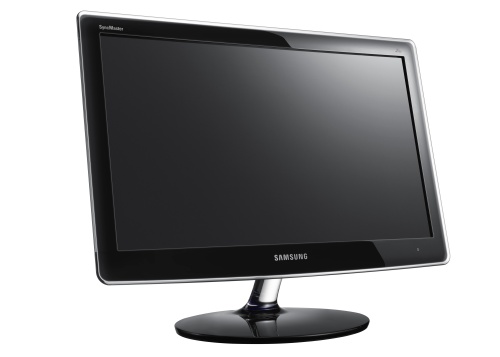
LCD AND LED look same but both product Are different 
The CRT monitor  

Reducing The brightness of the screen also reduces the power consumption.Change your monitor's settings and reduce the brightness to a point where it's still comfortable to read text easily.

A simple way is to open a Word Document, set the font to Arial,size 8. change the color to gray that is mid way between black and green.Now reduce your screen brightness or contrast to the pint where this text is legible.with this setting. all other text you come across should be easily readable for you.

Unplug any external devices you won't be using such as portable hard drives, additional wireless keywords and digital cameras, if your are not using your optical drives,keep it empty and don't forget and disc in it.
Each disc periodically asks the computer to seek it,thus taking more power.

For a SOFTWARE ,If you're using WINDOWS 7 than Microsoft come up with a Special Power Saver Mode ,which will ensure your computer does not take up any more electricity than needed.To activate this Go to ; control panel > System and Security > Power Options and select the power saver power plan
You can further  customize your power plan by clicking on change plan settings.

Not many people know that the screen saver actually guzzles up a lot up power.

Shop

Wolf - 150 x 150

Dmoz

Comments